Ultimate Guitar is an awesome tool for learning songs online. It makes chord charts quick and accessible. But if you don’t know what you’re doing, there are a few things that can trip you up.
This post isn’t going to go deep into music theory. But I’ll give you some helpful tips to get the most out of using Ultimate Guitar.
Using a capo with the ‘Transpose’ button
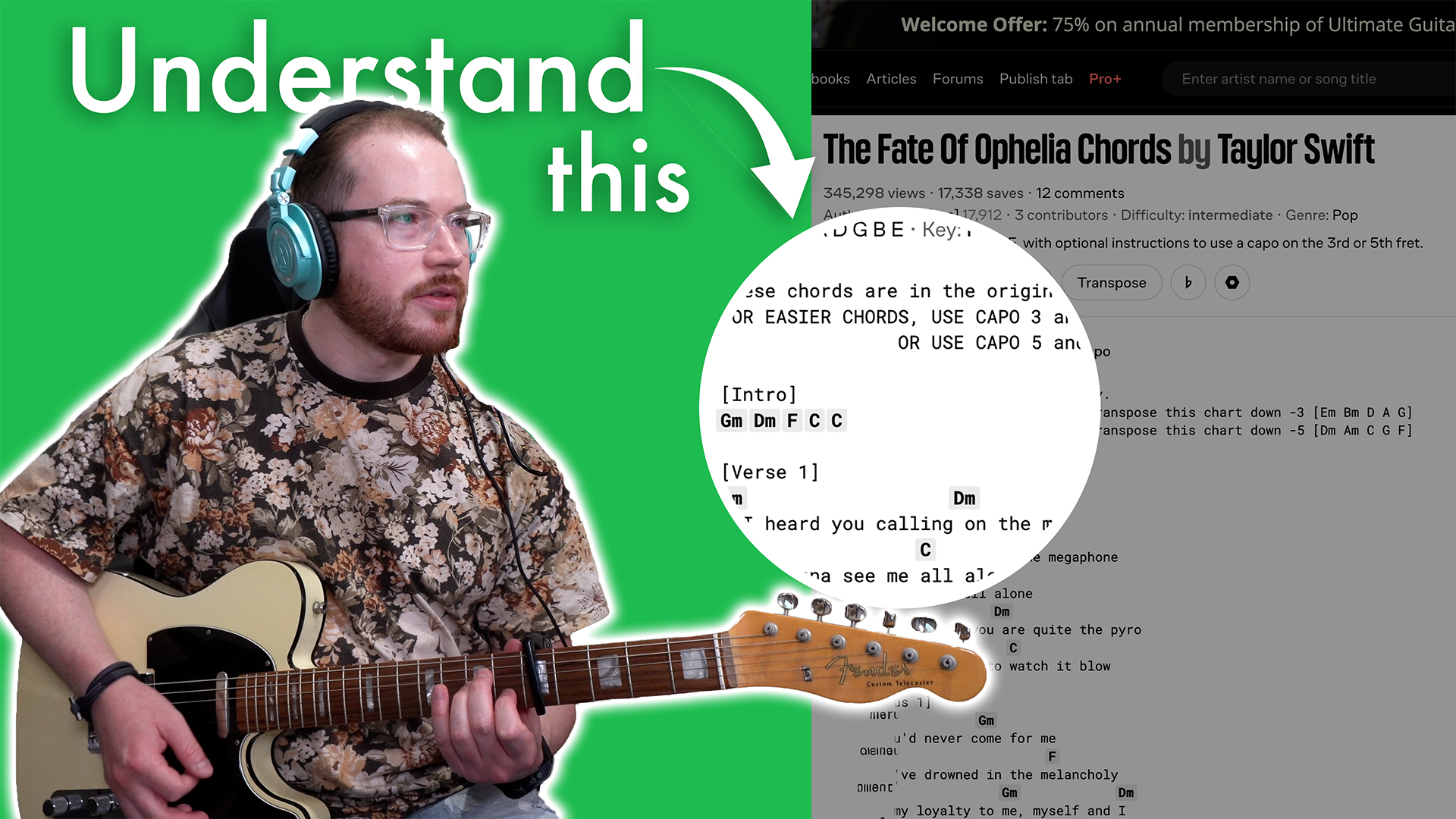
Let’s say we wanted to learn The Fate of Ophelia by Taylor Swift. This version has a note saying: for easier chords, use capo 3 and transpose the chart down.
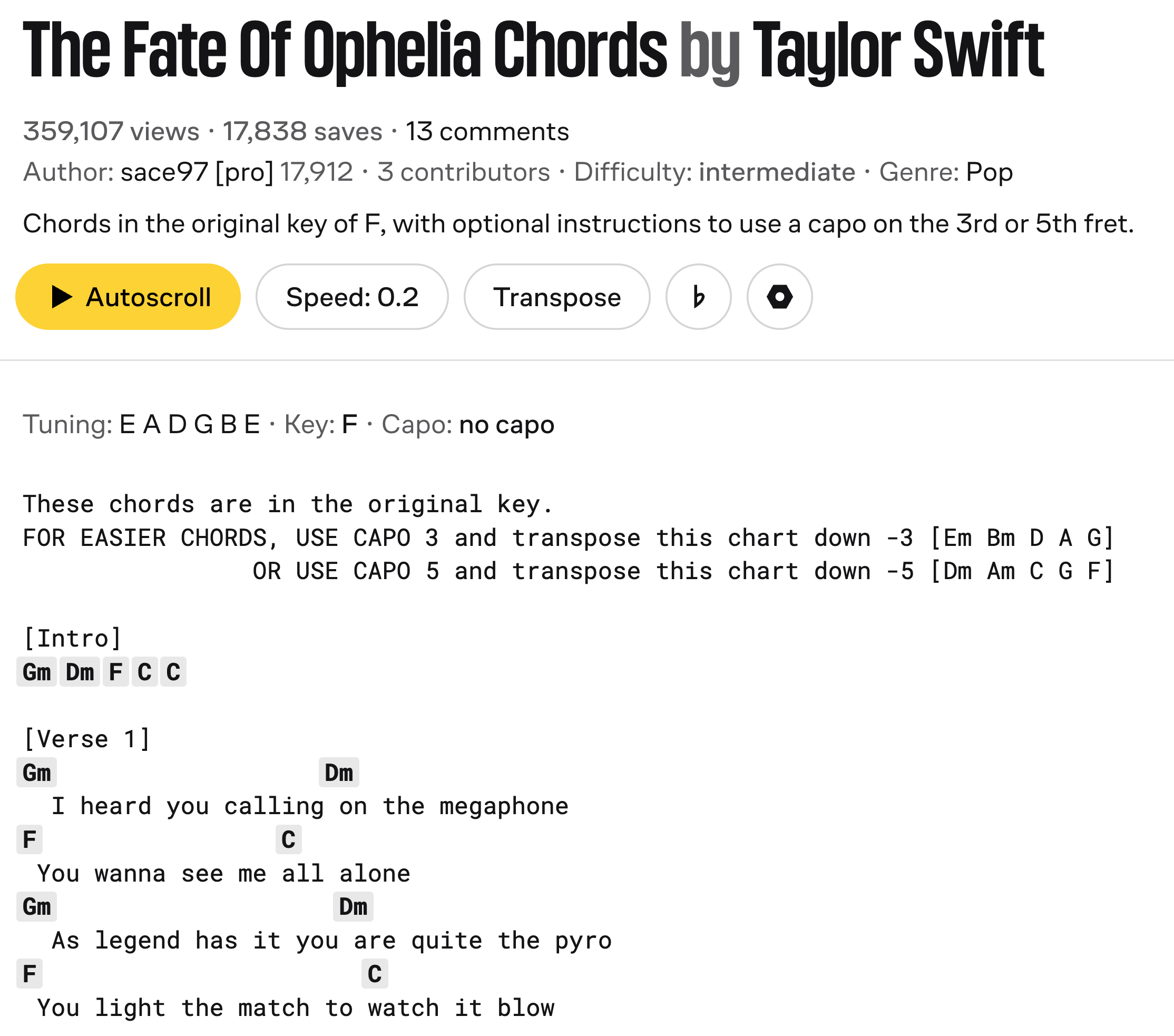
There’s no real benefit to playing it with G minor or D minor chords. You could use bar chords, but it won’t necessarily sound any better. Using a capo means you can play the piece with open chords that you’re more familiar with. They will probably sound better too!
Remember:
If you put the capo on the third fret, transpose the chart down by three.

If you put the capo on the fifth fret, transpose the chart down by five.

The capo number and the transpose number should always match (but the transpose is negative).
Using a capo like this allows us to play chords in a more comfortable key. I generally prefer using the keys of C and G with a capo, because they work really well and are opposites of each other. In this example, using capo five and setting the transpose button to -5 puts everything in the key of C, which would be my choice for the song.
If you’re interesting in learning how to use a capo to confidently in every key, you might enjoy checking out The Musician’s Guide to Beginner Guitar.
Whether you want to strum along to your favorite songs, jam with friends, or create your own music, this course will help you build a solid foundation that fosters growth and creativity in any direction you choose.
How to tell when you’re supposed to change chords
When people are making chord charts, they often write the chords above the lyrics like they hear them in the song.
However, we don’t want to think of chords as being attached to the lyrics.
It’s better to focus on the pulse of the song (where you’d tap your foot) and use that as the reference point, connecting both the lyrics and the chord change to the pulse.
Chords always follow a rhythmic structure. There is usually one chord per bar (often every four beats), and the chord changes happen in line with the pulse.
The pulse is the foundation. The chords connect to the pulse. The lyrics connect to the pulse. Don’t be tempted to try and change chords based on the lyrics.
Why are there so many chord variations?
When you hover your mouse over a chord on Ultimate Guitar, it shows you lots of different chord shapes. Most of these are not useful.
Many of them are just slight variations of the same thing. Some are awkward barre shapes, some add unnecessary fingers, and some are just impractical.
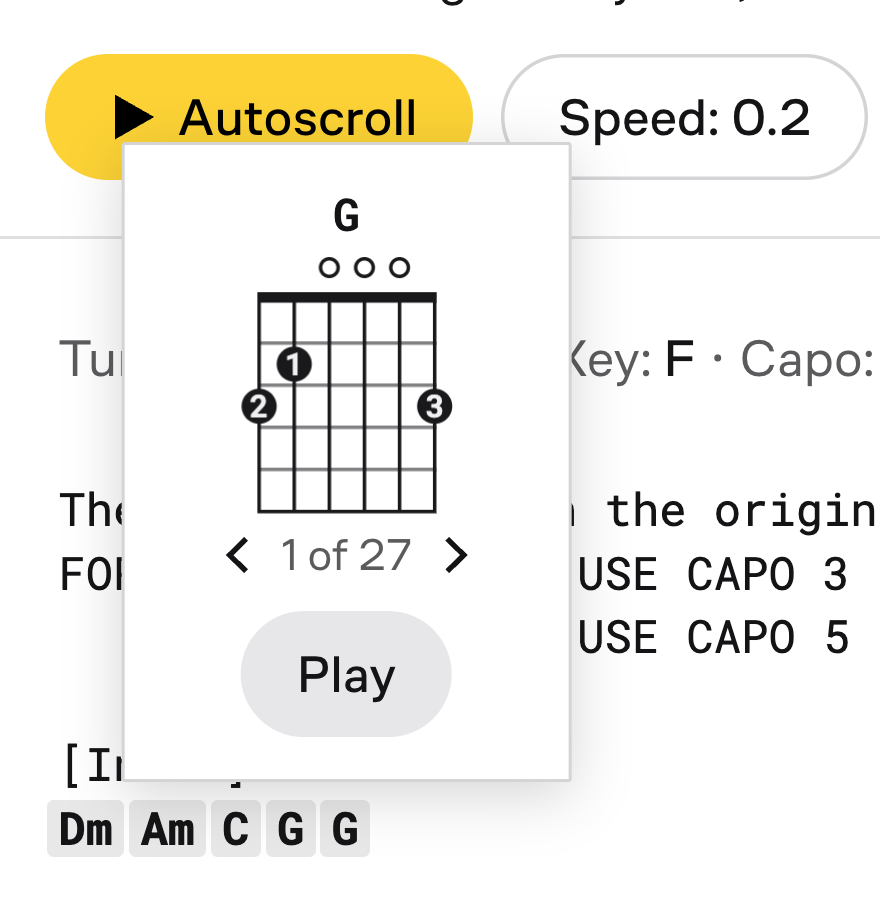
Don’t worry about tricky looking chord shapes
Some charts specify very detailed chord names, like G, Dsus4, Cadd9, and so on. I don’t love this approach.
Guitarists often use these chords more for the colour or vibe than because this was the chord the artist was thinking of when they wrote the song.
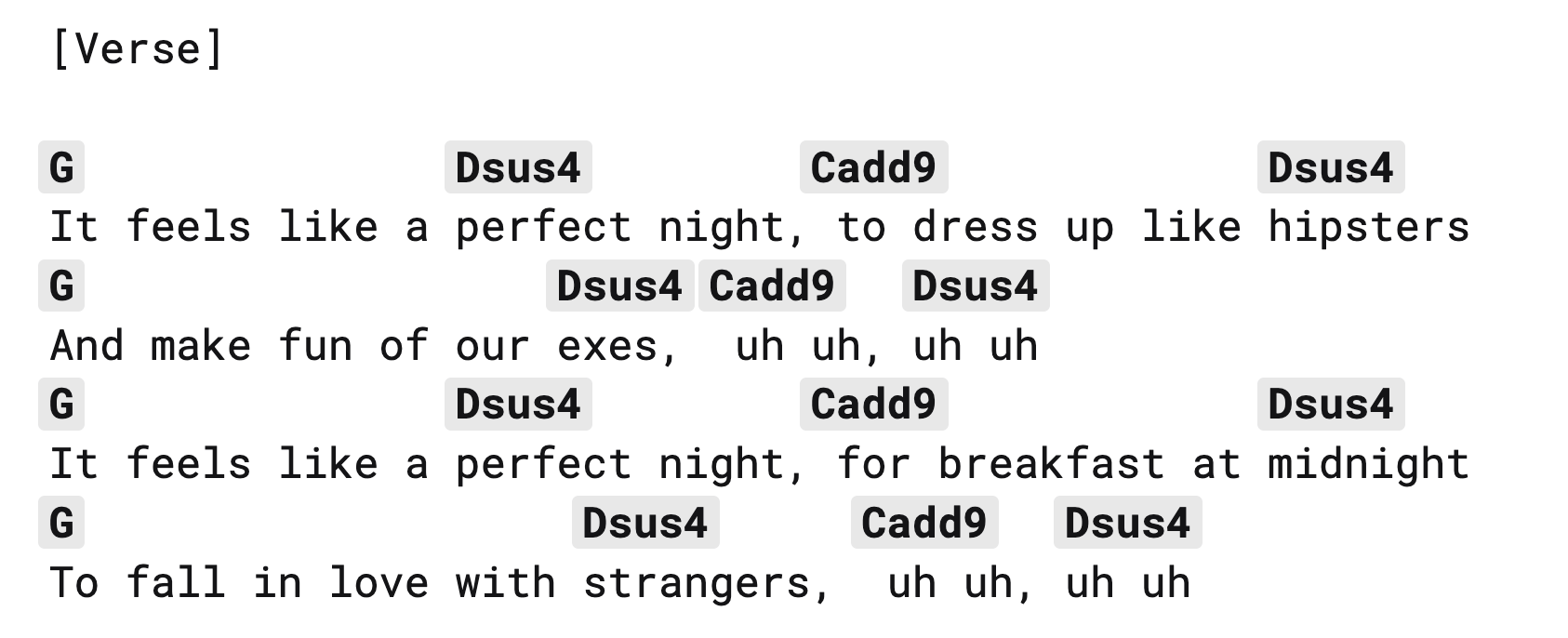
Sometimes a simpler version of the chart is actually more accurate musically.
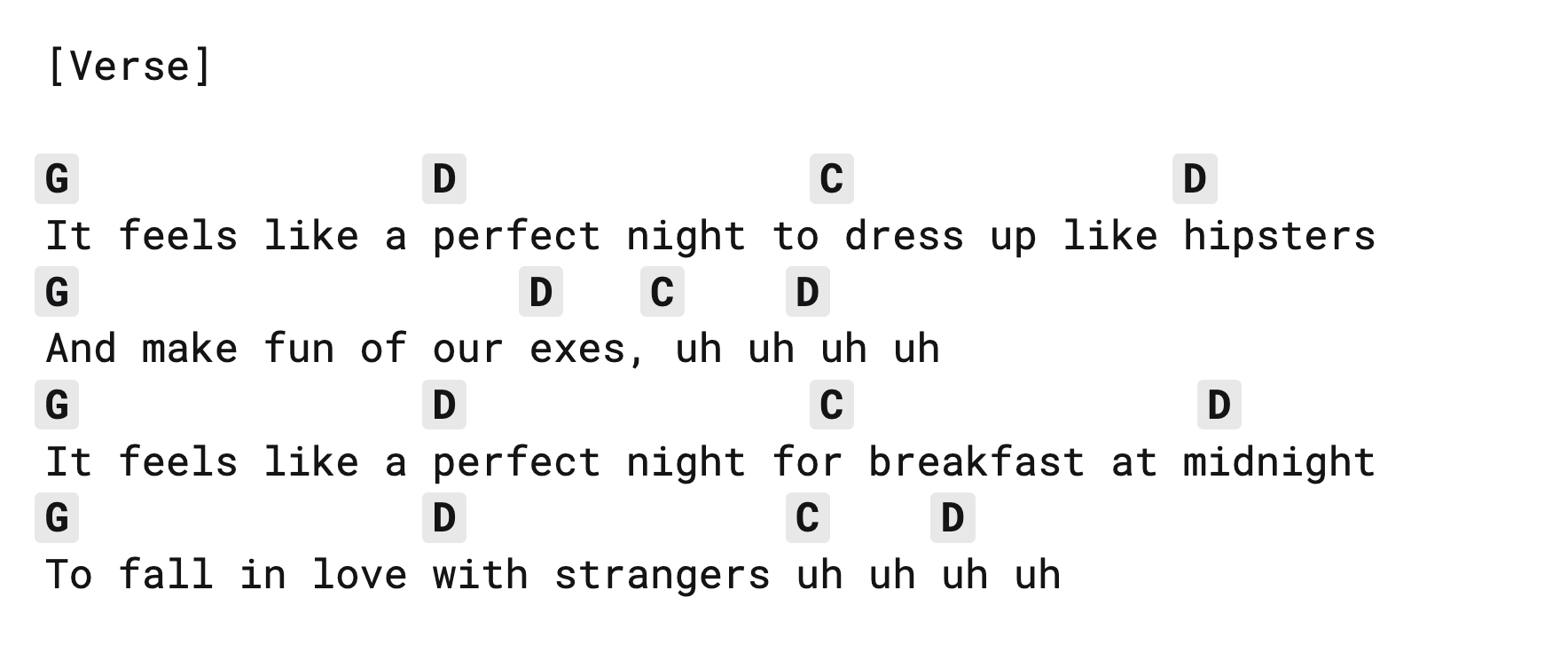
Watch out for incorrect notation
Sometimes chords are just notated incorrectly.
A common example is when a chart labels something as a full chord because of the bass note, even though the song is actually using a power chord. You might see an E minor written, but the recording is clearly using an E power chord.
This happens because people associate the bass note with a chord name, even when the harmony doesn’t match.
If something doesn’t sound right, it probably isn’t you. It might just be a mistake on the chart.